
Someone sends you a QR code in a chat. Or it is on a web page, or in a PDF ticket on the same phone you want to scan it with. You cannot point the Camera at your own screen, so what now?
You do not need a second device. The code is already an image, and the iPhone can read images.
The built-in way: Photos and Live Text
On iOS 15 and later (iPhone XS or newer), the Photos app reads QR codes in pictures:
- Take a screenshot of the code, or save the picture to your library.
- Open it in Photos.
- Touch and hold directly on the QR code, or tap the Live Text button in the lower right corner and then the code (the exact control varies by iOS version).
- Choose what you want: Open in Safari, Copy, or whatever action the code offers.
Live Text has to be on: Settings, General, Language & Region, Live Text. If the code does not respond, it is almost always the image, not you.
Sometimes you can skip the screenshot. In Safari, Mail and Messages, touching and holding a QR image often offers the same action.
When it will not read
Most failures come from the same few causes:
- The code is tiny in the picture. Zoom in, or crop the screenshot so the code fills most of the frame, and try again.
- It is cut off. A QR code needs all three large corner squares and a little white around it.
- Compression has hurt it. A photo of a screen, or an image passed through a chat app a few times, loses detail. Ask for the original file.
- Low contrast or colour. Light code on a dark background or a very pale design can fail. If you can, invert it or take a cleaner screenshot.
- Glare or blur, in a photo of a physical code. Move, hold still, turn off the flash.
A second way: a scanner that takes a photo
A scanner app can read a picture you pick from your library, which is handy if you want the result saved or want more control than the Photos button gives. QR Kit has a photo button beside the pause and torch buttons on its Scan screen. Tap it, choose the screenshot, and it reads the code, shows what is inside, and saves it to your history. It reads the first code it finds in the picture, so crop a screenshot with several codes down to the one you want.
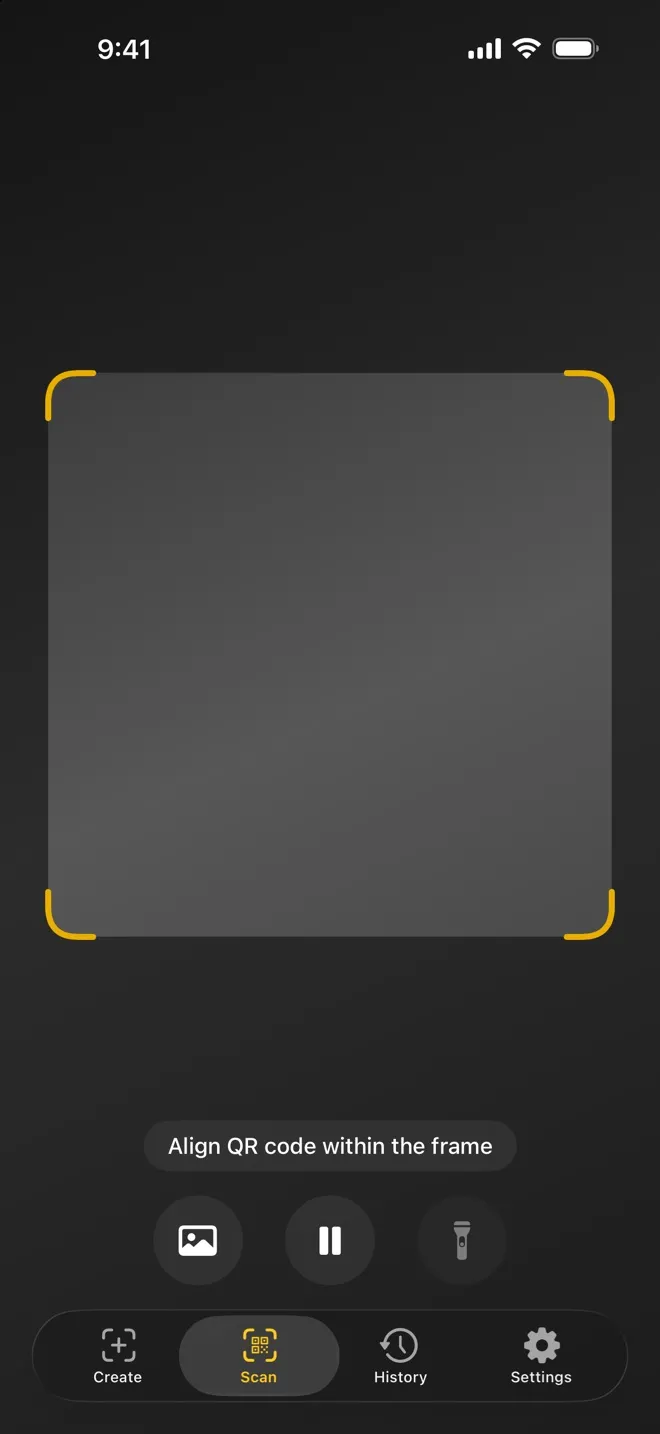
Things to know, because they are the honest limits:
- It is a scan like any other, so on the free plan it counts toward the 7 scans a week. Pro removes the limit.
- Everything is read on your iPhone. The picture is not uploaded.
- If you have no working camera (a stand, a broken lens), the same photo route is the way in.
If you only scan the occasional screenshot, the Photos method above costs nothing and needs no app. A scanner earns its place when you also want the history: a record of what you scanned, searchable later.
Before you open what you scanned
A code that arrives by message is a code from a stranger as much as a sticker on a lamp post. Read the address before you open it. How to tell if a QR code is safe to scan has a short routine.
Quick answers
Can I scan a QR code with the same phone that shows it? Yes, through Photos or a scanner that opens images, as above.
Does the Camera app scan screenshots? No. It reads what the lens sees. Live Text in Photos is the built-in route for saved images.
Does it work offline? Reading an image happens on the device. Opening the link afterwards needs a connection, of course.


