
Most of us have thousands of photos and look at the last few dozen. The rest sit there, unseen, which is a shame because they are the point of taking them. Looking back does not need a project. It needs a few easy ways in.
Use what Photos already offers
- Memories. Photos makes slideshows from trips, people and moments, and surfaces them in Collections (For You on older iOS). You can change a memory’s title and music from its Customize options.
- Months and Years. In Collections, Years, Months, Days lets you jump to a particular month. A month you half remember is easier to find than a single photo.
- Search. Type a place, a season or an object, such as “beach” or “autumn”, and Photos finds matches on the device.
- Favorites. Tap the heart on a photo you love. The Favorites album then becomes your short list.
Make looking back a small habit
The trick is not a better tool, it is lowering the cost of opening the library on purpose.
- Pick one month at the end of each month and open it, front to back.
- Heart the five you like most.
- Add a sentence about what happened. Future you will not remember it.
If a month has too many near-identical shots to enjoy, delete the weakest of each run first. Ten good photos are easier to revisit than forty.
A photo with a caption is worth ten without. Names, jokes and what the weather did are what fade first.
Photo Feed: months as stories, your library as a feed
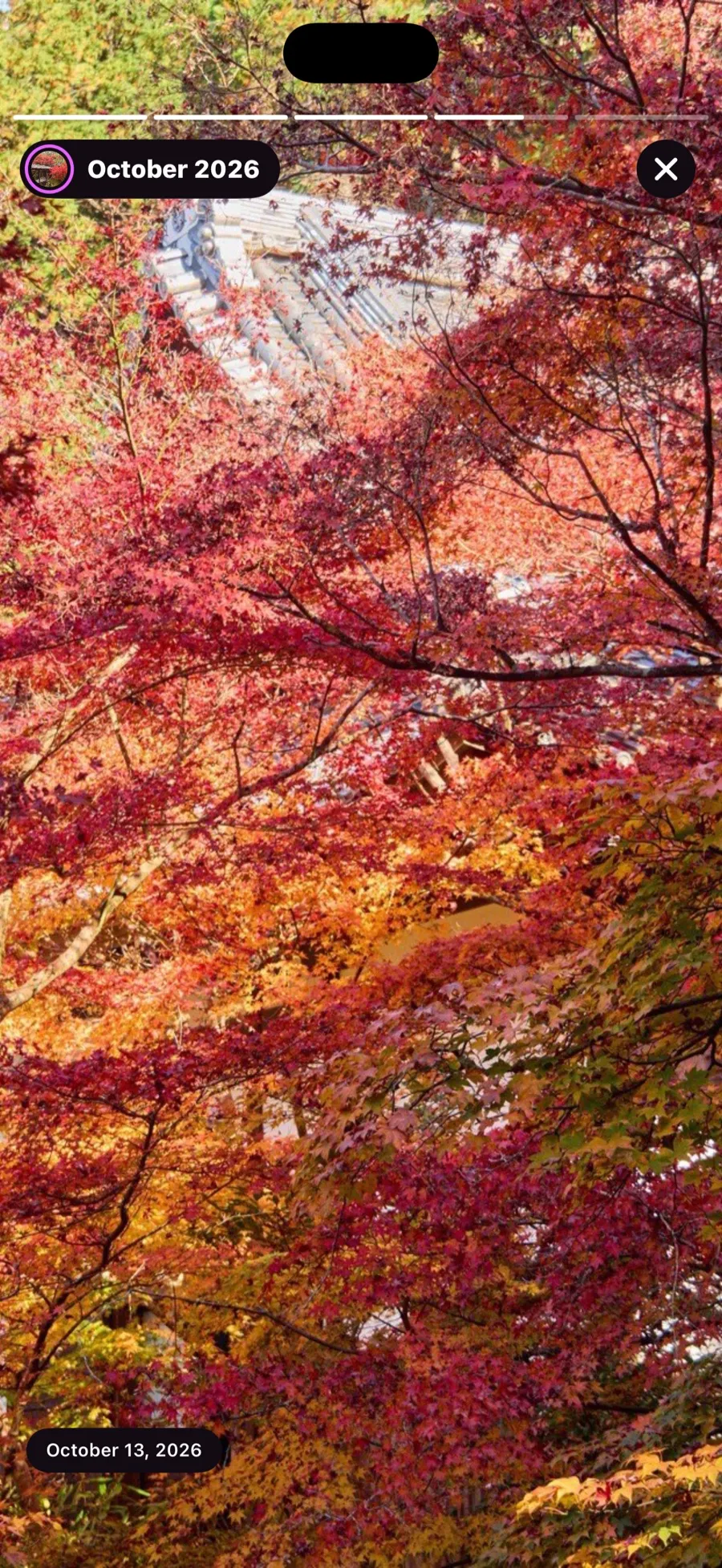
Photo Feed puts the habit above into the interface. Your library appears as a scrollable feed, with each month as a story bubble at the top, the way social apps show people. Tap a month and it plays as a story, photo by photo.
You can like a photo, write a caption or a comment on it, and bookmark it into a folder. There is a Saved folder for free. The captions and comments are just for you: they live on your iPhone, not on a service, because the app has no accounts and no cloud.
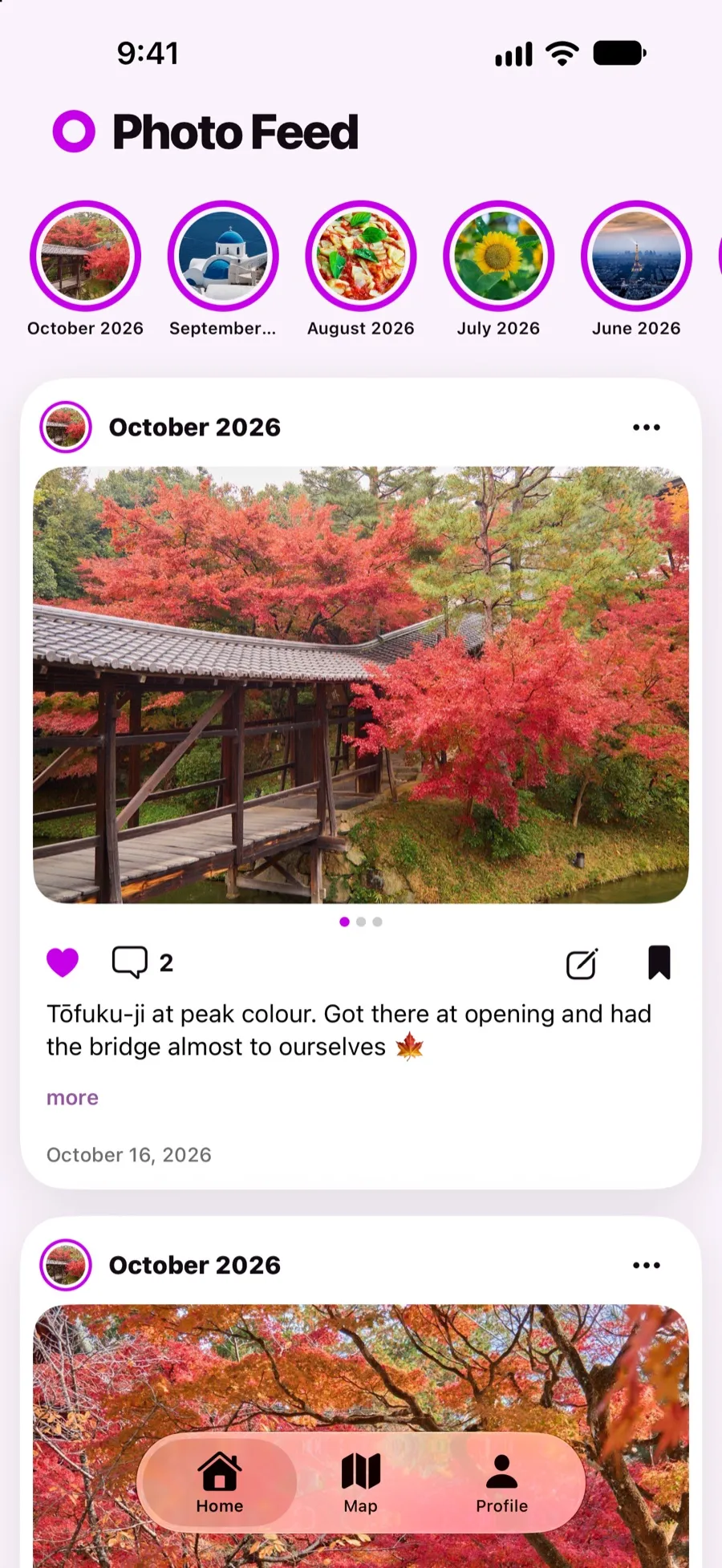
The free version covers your newest 60 photos, with stories, likes and comments. The map is capped the same way. Saved plus one custom folder are free. Pro opens the whole library, more folders and organizer tools. So if you want to go back many years, that is what Pro is for; for this month and last, Free is plenty.
Share a few, not all
Looking back is better with company. Pick two or three photos from a month and send them to the person who was there, with your caption. That one message does more than a shared album nobody opens.
What to do when it feels like too much
Do not try to cover everything. Pick a single month this week. If you want to remember where it happened, look at the map. If you want to remember what it felt like, write one sentence. That is enough to turn a pile of photos back into a memory.


