
Six months after a trip you remember a great little restaurant on a hill and nothing else: not the name, not the street, not even which town. The places you most want to find again are the ones that vanish first.
You do not need a perfect archive. You need a way to answer two questions later: where was that, and what was it like.
Why photos alone are not enough
Your camera roll holds the evidence, but it is a long timeline, not an index. Searching “restaurant” will not get you a specific place unless the phone recognises it. Photos record that you were there. They rarely say what you thought, what you ordered or whether you would return.
Still, photos are your best raw material, because many of them carry the location where they were taken. The problem is turning that into something you can browse.
Four ways to keep a record
1. Save places as you go. The moment you leave a place you loved, save it. A bookmark made later is a guess. Apple Maps lets you save places you find, and most map apps do the same.
2. Name things in your own words. A saved pin called “Café” tells you little. “Café with the tiled floor, ask for the almond cake” tells you everything. Add one line when you save.
3. Group by trip or by purpose. A single list of two hundred places is unusable. Lists such as one per trip, plus a few like “Coffee” or “Someday”, keep it scannable.
4. Mark what you want to return to. Separate “visited” from “want to visit”. People tend to mix them and then cannot tell what they have actually done.
Rebuild the past from what you already have
If you did not save anything, you can still recover a lot:
- Open a photo from the trip in Photos and check its details: many pictures show where they were taken, which gives you a town to start from.
- Check your booking and payment emails for restaurant and hotel names.
- Look through your messages: a place you told a friend about is usually named there.
Spend an hour on one trip and turn it into a short list with a note each. That one hour is worth more than a perfect system you never start.
Where Map Diary fits
Map Diary is built around this exact job. You long-press the map to save a place, give it photos and notes, put it in a list, and see all of them on one map. You can also tap Share on a place in Apple Maps and choose Map Diary, then tap Save. It appears on your map the next time you open the app.
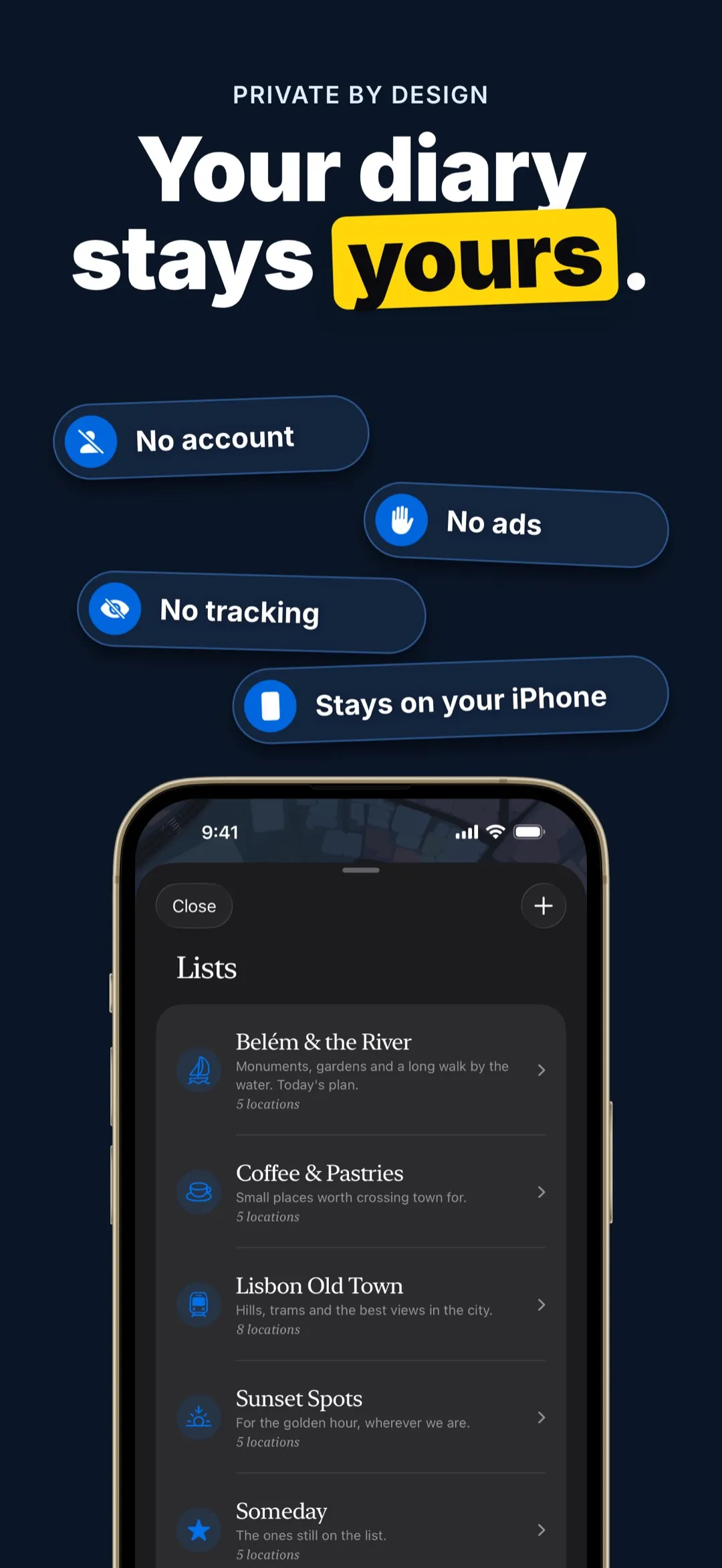
Your saved places, photos and notes stay on your iPhone and can be read without internet. Anything that needs a lookup, like an address or place search, goes through Apple Maps. The free version limits how many places, lists, photos and notes you can save; Pro lifts those limits.
If you only need a short list, a free map app or even a notes app will do. A dedicated journal pays off once you have many places and want the notes beside the pin.
Make it a small habit
When you leave somewhere you liked, spend twenty seconds: save it, add a sentence, put it in a list. Do that for a year and you will have something you want to open.


